


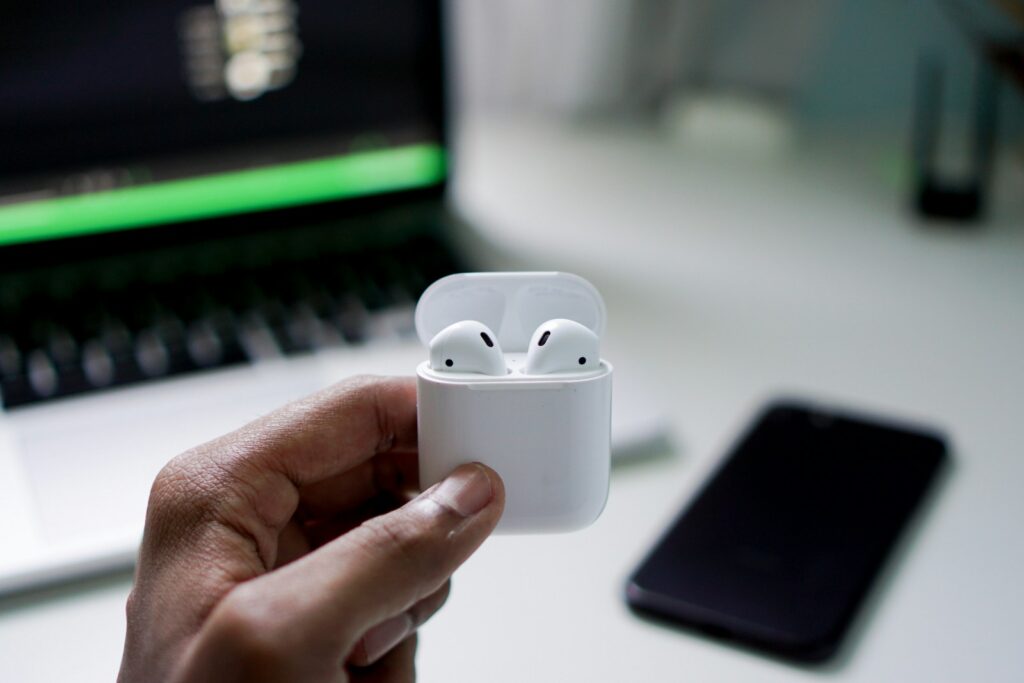
There are a few common reasons someone might want to connect AirPods to a laptop:
-
Wireless audio for convenience
-
No tangled wires, free movement, and easy portability.
-
-
Better sound quality
-
AirPods can provide clearer audio than built-in laptop speakers, especially for music, movies, or video calls.
-
-
Hands-free communication
-
The built-in microphones let you join Zoom, Teams, or Skype calls without holding a headset.
-
-
Noise reduction
-
Some AirPods (like Pro models) have active noise cancellation, which helps focus in noisy environments.
-
-
Seamless ecosystem
-
For Apple users, AirPods can automatically switch between iPhone, iPad, and Mac, making workflow smoother.
-
-
Gaming or media experience
-
They can be used for private audio when gaming, watching videos, or listening to music late at night.
-
In short, it’s mostly mobility, comfort, and better sound.
¿How to connect AirPods to Windows or Mac?
For Windows Laptop
-
Open Bluetooth settings
-
Press
Win + I→ go to Devices → Bluetooth & other devices. -
Turn Bluetooth on.
-
-
Put AirPods in pairing mode
-
Place them in the case and open the lid.
-
Press and hold the button on the back of the case until the light starts flashing white.
-
-
Connect from Windows
-
In Bluetooth settings, click Add Bluetooth or other device → Bluetooth.
-
Select your AirPods from the list.
-
Once connected, you’ll see “Connected voice, music”.
-
For Mac
-
Open Bluetooth settings
-
Go to System Settings (or System Preferences) → Bluetooth.
-
Make sure Bluetooth is on.
-
-
Put AirPods in pairing mode (same as above).
-
Connect from Mac
-
Wait for your AirPods to appear in the Bluetooth list.
-
Click Connect.
-
They’ll automatically connect whenever in range and Bluetooth is on.
-
Tips
-
If sound doesn’t come through, check Sound Output settings.
-
Make sure your AirPods are charged.
-
For Windows, if they don’t connect, try removing the device and pairing again.
Read: How to Fix “Switch to YouTube.com” Issue. 6 ways